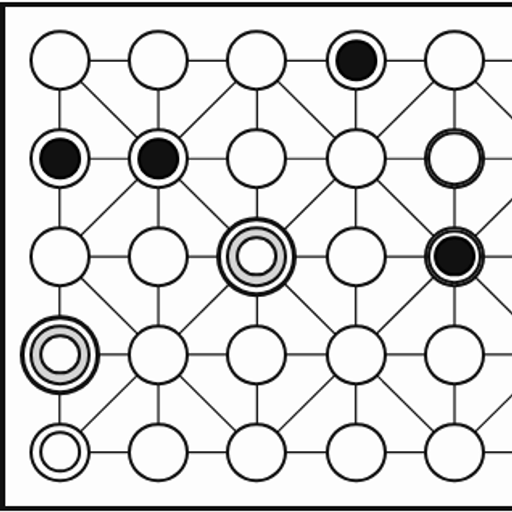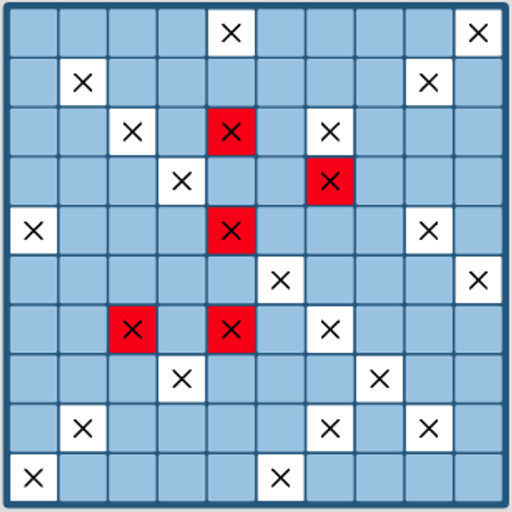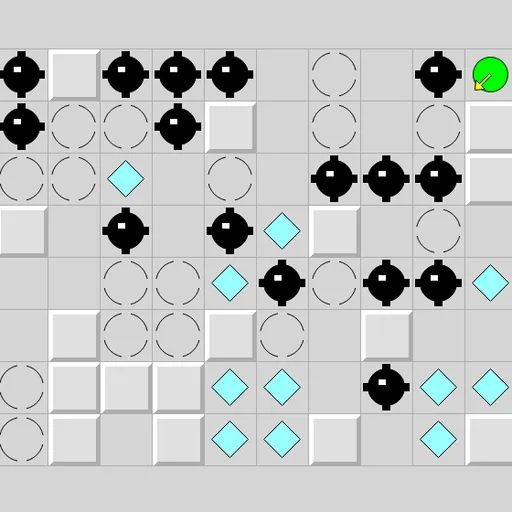
Inertia Gem Slide is a logic puzzle about a ball with no brakes. Push it in a direction, and it rolls until a wall or a stop square halts it. Along the way, it picks up any gems it crosses. The challenge is to gather every gem without rolling into a mine. This is Inertia from Simon Tatham’s Portable Puzzle Collection, based on an earlier game by Ben Olmstead.
The Goal
Collect every gem on the grid. Your green ball starts on a grid full of walls, gems, mines and stop squares. You win when the last gem is picked up. Roll into a mine and the ball explodes, though Undo lets you take that move back.
How a Round Plays Out
- Choose one of eight directions: up, down, left, right or a diagonal.
- The ball rolls in a straight line until something stops it.
- A gray raised block is a wall. The ball stops on the square just before it.
- A broken circle is a stop square. The ball halts on it from any direction.
- Cyan gems do not stop the ball. It grabs them and keeps rolling.
- Mines end the move with an explosion.
Keys and Buttons for Inertia Gem Slide
| What you do | ⌨ Keyboard | 🖱 Mouse | 👆 Touch |
|---|---|---|---|
| Slide up, down, left or right | Arrow keys or number pad 8, 2, 4, 6 | Left-click on the grid in that direction from the ball | Tap on the grid in that direction from the ball |
| Slide diagonally | Number pad 7, 9, 1, 3 | Left-click diagonally away from the ball | Tap diagonally away from the ball |
| Follow the hint arrow after Solve | Space | — | — |
| Undo (also after hitting a mine), redo, new grid | U / R / N | Undo move, Redo move and New game buttons | Undo move, Redo move and New game buttons |
Winning Strategies
- Find the stop squares. They are the only safe resting spots in open areas.
- Work backward. Ask which squares can reach a hard gem, then plan how to get there.
- Watch diagonals. Diagonal rolls open paths that straight moves cannot reach.
- Save hard gems for last. Some gems may trap you if you take them too early.
- Ask for a hint when stuck. Solve shows a yellow arrow for the next step, and Space follows it.
Handy Details
- Grid sizes include 10x8, 15x12 and 20x16, plus a Custom option.
- Using Solve is noted in the status bar, so you know the solver helped.
- The keyboard, mouse and touch all work for moving the ball.
Who Should Play It
This puzzle fits players who enjoy route planning and thinking several steps ahead. If you like sliding block puzzles or ice-path logic games, the brakeless ball offers a neat challenge.
Played and checked by the KBHX Games team · updated