Unblocked Racing Games
Lap races, endless highways and dodge-the-traffic runs, all hosted on KBHX Games. These unblocked racing games start fast and need only a few keys to steer.
- 7 games
- 3 phone-friendly
- 100% free
Play Racing Games Online (7)
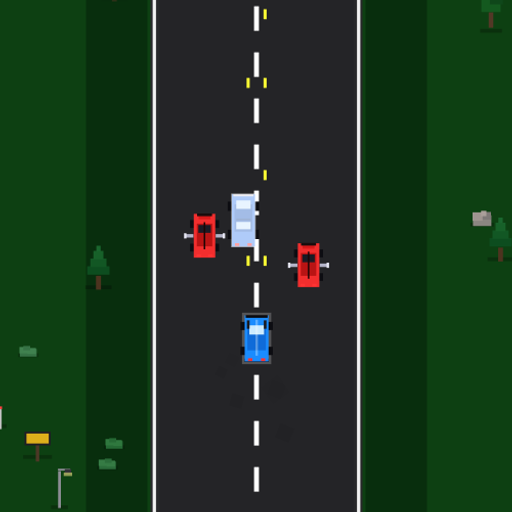
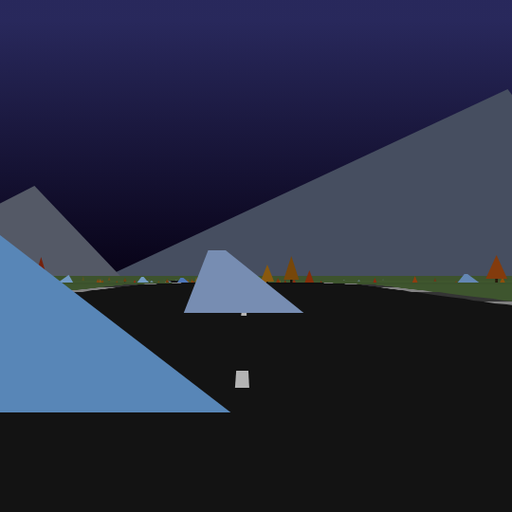
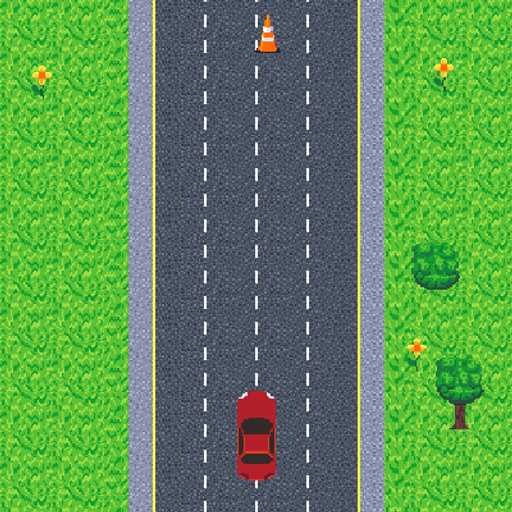
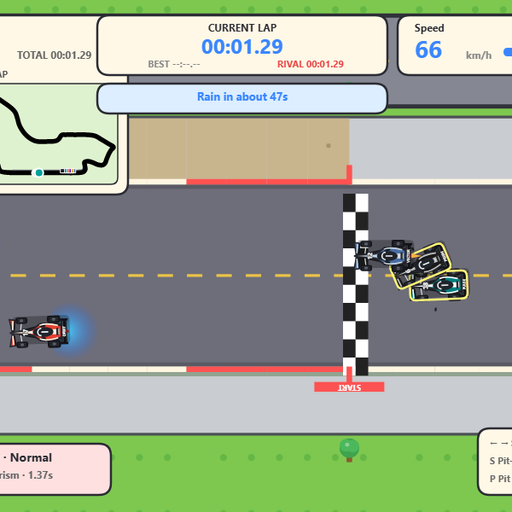
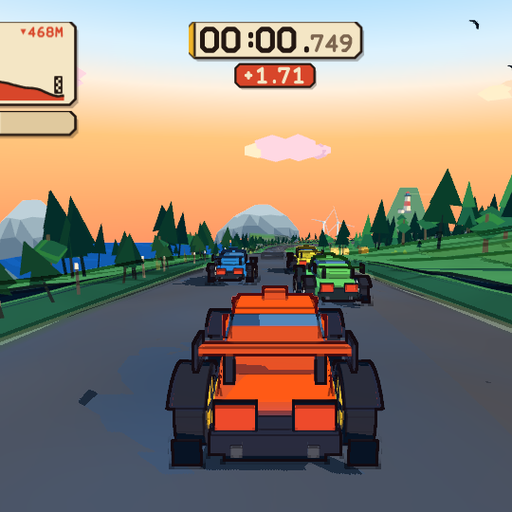
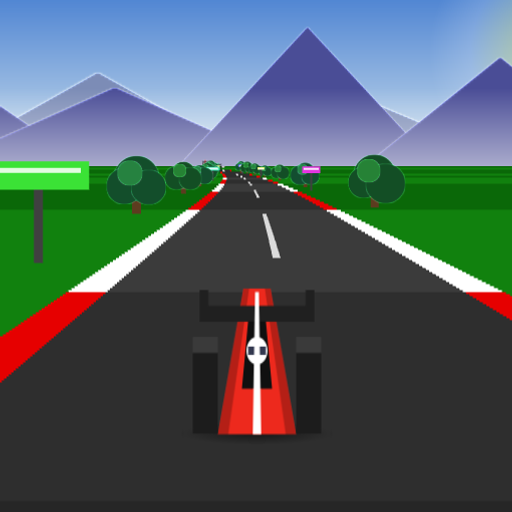
Racing games are about speed, lines and reaction time. This page collects the unblocked racing games hosted on KBHX Games, from tight top-down circuits to endless roads that never stop scrolling. They load in your browser, need nothing installed, and a full race rarely takes more than a few minutes.
What Defines a Racing Game
A racing game puts you in control of a vehicle and measures how fast or how far you go. Some set you against rival cars on a closed track. Others are endless runs where the challenge is staying alive as traffic thickens. Either way, the skill is the same: brake a little earlier than feels natural, pick a clean line, and avoid the one mistake that ruins a run.
Picking a Race
The racing section is small, so it is easy to try them all, but here is where to begin.
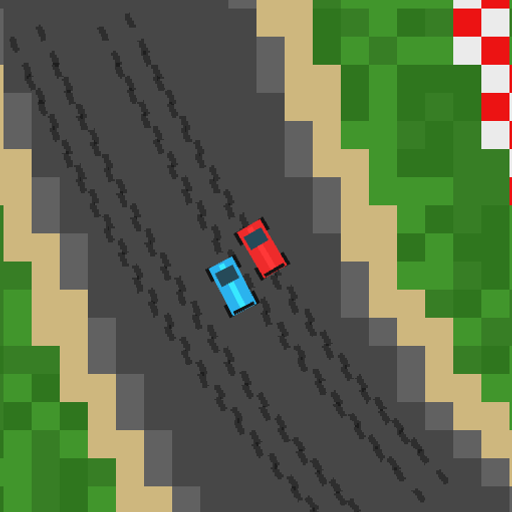
- Lap-based circuits. Mini Grand Prix, Tiny Track Racer and Speedway Sprint reward learning each corner.
- Endless roads. Infinite Cars and Highway Pursuit have you weave through traffic for distance.
- Off the usual track. Red Rock Descent heads downhill through canyon terrain, and Hue Jumper streaks along a bright synthwave road.
If you like improving lap times, stay with the circuits. If you want quick, chaotic runs, the endless games are a better fit.
Racing at School, at Work or on a Phone
Keyboard steering is standard, so a laptop or Chromebook is the best place to race. Click the game once before you start so the arrow keys steer the car instead of scrolling the page. Headphones help with engine and crash sounds in shared spaces. On phones, racing games will load, but only titles that list touch controls are comfortable to play without a keyboard.
How Racing Differs From Sports and Arcade Games
Sports games here are built around a single action, like a shot or a throw, and arcade games are about score. Racing games sit in between: they are continuous like arcade titles but measured against a clock or a finish line. If you enjoy the feeling of a clean corner at full speed, this is the category for it.
Racing Games: Frequently Asked Questions
What keys do the racing games use?
Nearly all of them use the arrow keys or WASD to steer, accelerate and brake. A few endless runners only need left and right. Each game page includes a controls table, so you can check before starting and avoid surprises during a race.
Do racing games run well on a school Chromebook?
The top-down titles such as Mini Grand Prix and Tiny Track Racer are light and smooth on most Chromebooks. Hue Jumper draws a 3D road and benefits from closing other tabs first. If the frame rate drops, try a smaller browser window.