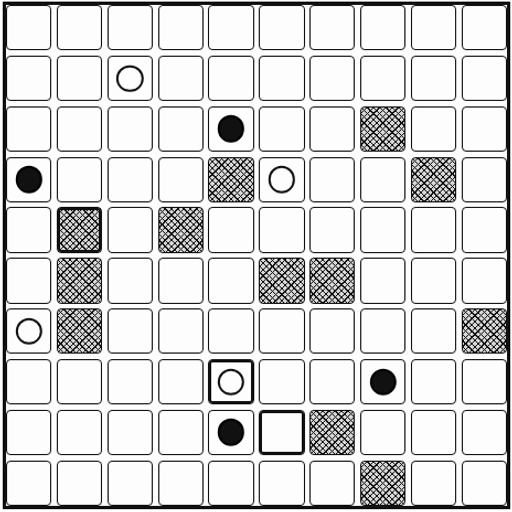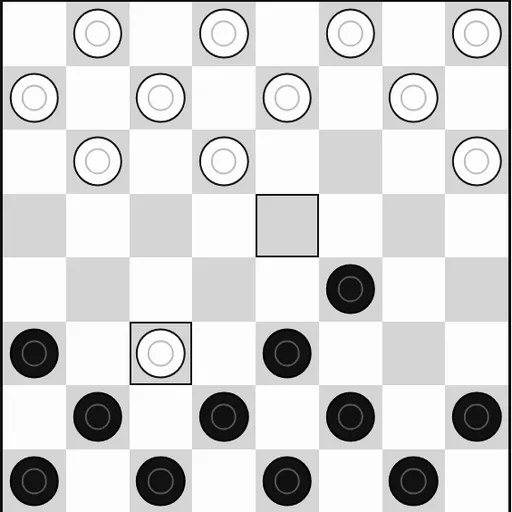
Checkers is the old diagonal jumping game, played here on a clean black-and-white 8x8 board. This version comes from Christopher Müller’s open-source PaperGames collection. You can face a computer at three strength levels or hand the device to a friend for a game on one screen.
The Goal
Each player starts with 12 pieces on the dark squares of their side. You win by capturing all of the other side’s pieces or by leaving them with no legal move on their turn. Black always moves first. Against the computer, you can choose to play Black or White.
Rules Explained
A regular piece, called a man, moves one square diagonally forward onto an empty dark square. It can never step backward.
To capture, jump over an enemy piece next to you on a diagonal and land on the empty square right past it. The jumped piece leaves the board. If the same piece can jump again from its new square, the chain keeps going in that turn. You only tap the final landing square, and the whole chain plays out.
Captures are required. If any jump is open to you, the game will not allow a plain move. When two jump routes end on the same square, the game asks which enemy piece you want to jump.
A man that reaches the far row becomes a king. A king still moves one square at a time, but it can go backward as well as forward. If 40 moves pass for each side with no capture, the game ends in a draw.
Keys and Buttons for Checkers
| What you do | ⌨ Keyboard | 🖱 Mouse | 👆 Touch |
|---|---|---|---|
| Move a piece | Arrow keys to reach a square, Enter to pick it | Click your piece, then the square it should land on | Tap your piece, then the landing square |
| Pick a game mode | — | Click "2 Player (local)" or "vs Computer" | Tap "2 Player (local)" or "vs Computer" |
| Start a game against the computer | — | Choose a color and level, then click "New game" | Choose a color and level, then tap "New game" |
| Take back your last move | — | Click "Undo" | Tap "Undo" |
| Show the mode buttons during a game | — | Click "Menu" | Tap "Menu" |
Winning Strategies
- Hold your home row. Keeping your back pieces in place early leaves the other side no open square to crown a king.
- Bait with forced jumps. Since captures are required, you can offer one piece to drag an enemy into a spot where you double-jump.
- Own the middle. A piece in the center has two ways forward, while an edge piece has only one.
- Advance in pairs. A piece with a friend behind it on the diagonal is safe from a jump from that side.
- Push for kings in the endgame. With fewer pieces left, a king that can retreat usually decides the game.
Handy Details
- Easy plays random legal moves, Medium looks one move ahead, and Hard searches several moves deep.
- The game asks before you resign or restart, so you will not end a game by mistake.
- Settings let you change text size, contrast, spacing and how fast the computer moves.
Who Should Play It
This is a good fit for anyone who likes classic board games with simple rules and real depth. If you enjoy chess, dominoes or other two-player tabletop games, a few rounds here will feel familiar fast.
Played and checked by the KBHX Games team · updated